Back in early 2012 I went to a local Apple store and purchased an iMac 27″ with 1Tb hard-disk and 4Gb of memory. The big screen was fantastic to work with. Over the years, as the updates in OS came through, the machine was slowing down. OS X Mountain Lion followed by OS X Mavericks then OS X Yosemite and finally OS X El Capitan tipped it to the point of painfully slow verging on unusable. No amount of optimising or tweaking settings did much to improve performance. The iMac lay dormant in the studio, not really being used for much.
Whilst doing research for a replacement iMac I came across a number of articles about upgrading components in the iMac to bring it close to spec of contemporary machines. From my research the key to jumpstarting the iMac was to change out the old mechanical 1Tb hard-disk for a solid state drive up and also upgrade the memory. Scouting about for quotes I settled on a replacement 1Tb SSD and upgrading the memory from 4Gb to 16 Gb. There were plenty of instructions on Youtube and other sites explaining how to do the upgrades.
In my childhood I was an avid electronics enthusiast. As the microprocessor age emerged I switched from soldering discrete electronics to soldering logic chips. Opening a computer and switching boards out presented no challenge however as the years have gone by that skill has largely diminished as I moved from technical to managerial roles. To further complicate matters Apple have engineered their computers to be quite complicated to work on due to miniaturisation. To work on the iMac I needed special tools. Taking the screen off for example you needed suction cups to lift the screen out. Regardless I took up the challenge and after a few hours work had completely transferred an iMac that was literally on deaths door performance wise to a fast system that had performance o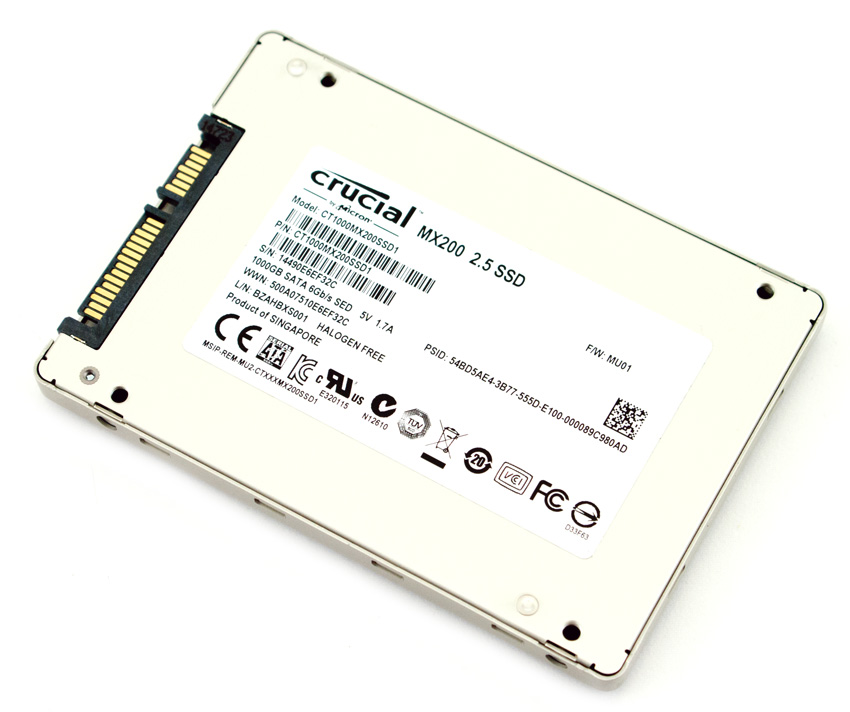 n par with the latest machines. I was very please with this result. A few days later I went further and added a second hard-disk adding 6 Tb of storage to turn the iMac into a media centre. Total shopping list:
- 1TB Crucial MX200 SSD $499
- Apple 16GB (2x8GB) Kit 1333MHz SODIMM $134
- 14-Piece Toolkit for SSD upgrade $39
- Suction Cup kit for SSD upgrade $38
2nd HDD Upgrade
- iMac SSD 2nd drive kit $34
- WD Blue Internal 3.5 inch Desktop SATA Drive, 6TB, $349
For a little $700 and a bit of research I had upgraded my iMac to a state that will last me many years to come.