Privacy and cyber security has always been an important topic in the tech world however now it is more important than ever before to protect your privacy and protect your data from the prying hands of corporates and also Governments. Personal, private and sensitive files you have sitting on the ‘public cloud’, including but not limited to Google Drive, OneDrive, Dropbox or iCloud, is not as private as you may think. CTO/CIO’s put public cloud policy in place to ensure that staff do not use these services which can expose the company and potentially fall victim to industrial esponiage. As documented here this is what happens to ‘your own files’ when you choose any of these cloud services:
1) They get the right (through EULA) to scan your files, which means going through them, it doesn’t matter if it’s done via machine or a human goes through them.
2) They get the right to delete, or block you from accessing your own files for any reason.
3) They are free to hand over your files to the Government without your consent or authorisation.
4) The biggest of all, they become the ‘co-owner’ of YOUR files.
Against this backdrop lies a big culprit of privacy invasion – Google. How I admired the company in the early days where “Don’t be evil” was the motto of Google’s corporate code of conduct. Unfortunately the main product of Google is YOU and your data which is mined, analysed and sold off. Gmail provides a gateway for prying and spying where it analyses the content of all the messages on its network and sells by products to advertisers. Up to now I have been using Google for my Contacts and Calendaring.
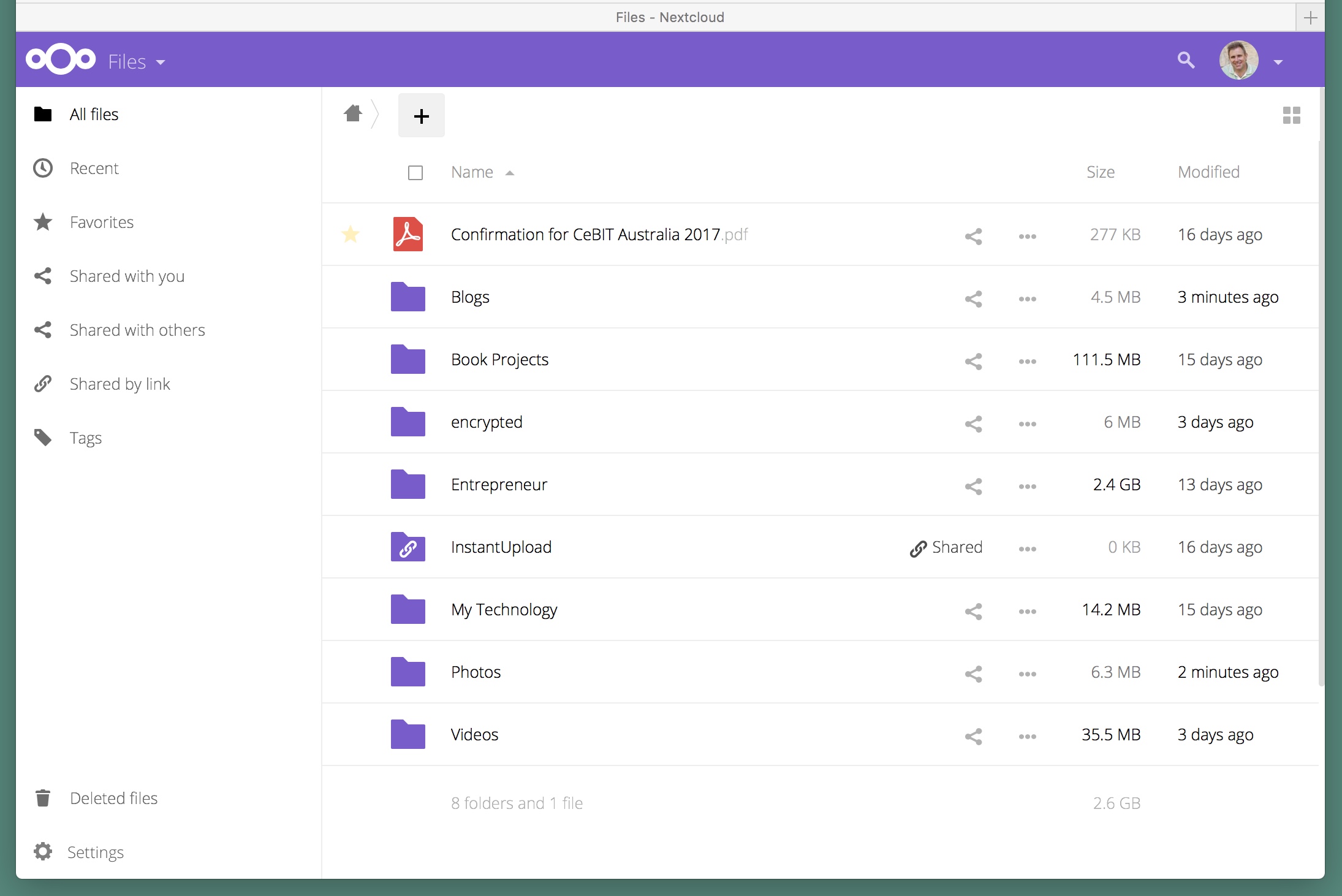
Nextcloud Desktop
This had to change hence I started my journey on the path of de-googlifying myself and avoiding use of Dropbox. It was clear that with a little research I could replace the functionality of Dropbox as well as the Google services I was using with Nextcloud. I was amazed how easy it was to get it up and running. Nextcloud is a free, open-source and powerful web application for data synchronization, file sharing, and remote storage of files. It is your own personal cloud storage and provides a safe home for all my data, calendars and contacts.
Nextcloud needs a LAMP (Linux, Apache, MySQL, PHP) stack installed to run. Now I’m not a pure geek but know enough technically and have the aptitude to research and read to find a solution and the methodology to install it all. Fortunately I had an iMac at home that is permanently switched on that I could use. I setup an Ubuntu instance inside a VMware Fusion virtual machine. Nextcloud was installed next as per the installation instructions in the Administration Manual. Users were added (family members!) and the system tested.
There was some changes that needed to be made to the house networking including port forwarding on the router so that I could access Nextcloud over the internet. Ubuntu/Apache does come with a SSL certificate however I decided to use a free SSL certificate from Let’s Encypt to ensure that all traffic going across the internet is encrypted. Potentially my ISP could change my IP so I used No-IP.org to fix that.
Nextcloud has a folder setup very similar to Dropbox so to move over from Dropbox was as simple as drag-and-drop to move files over. Nextcloud has it’s own AppStore and I installed Calendaring and Contacts apps and imported in all my Calendars appointments and Contacts.
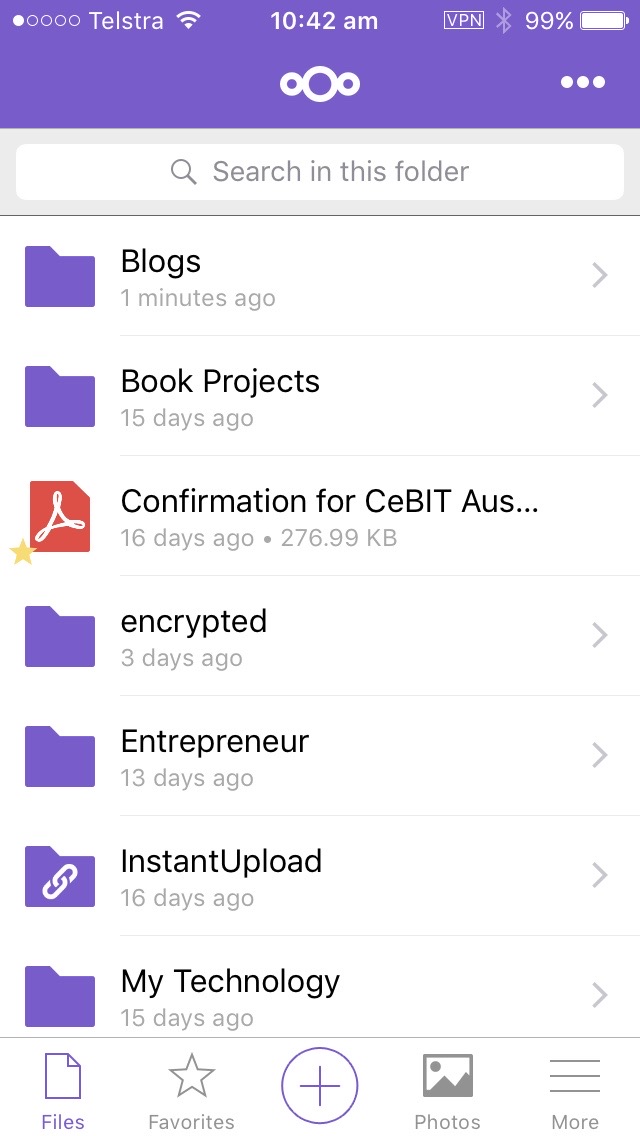
Nextcloud iOS app
Downloading the iOS app to my phone and setup was very straightforward. A nifty feature is that you can enable a function where if photos are taken on your phone to be immediately uploaded to Nextcloud.
Is it secure? Yes it is. Nextcloud has many security hardening techniques making it significantly harder for an adversary to breach the defenses. On top of that, it integrated new secure authentication technologies including two-factor authentication using FreeOTP which was also easy to setup. Further to this you can do your own security analysis and there is a great article on that here. When testing my instance I received an A+ rating which means that this server is up to date, well configured and has industry leading hardening features applied, making it harder for an attacker to exploit unknown vulnerabilities to break in.
Total time to research and setup was around a day. The only cost for me was the Nextcloud iOS app which was minimal. LAMP and Nextcloud are open source so are free. Now I have setup storage initially at 150Gb though can easily increase that if I need.